Integrations
Apollo
Fill in title, seniority and firmographics for leads your CRM doesn't know.
Apollo fills in what your CRM doesn't know. When a lead submits a form, Cauliflower can ask Apollo for the person's title, seniority and department and for the company's industry, headcount, revenue and location, then expose all of it to your routing rules as enrichment.* fields.
Apollo is optional and per workspace. Each router decides whether to call it: never, only when the CRM has nothing, or for every lead. Results are cached on the lead so returning visitors don't spend new credits.
Get an Apollo API key
You need an Apollo account with API access and enough credits for the volume you expect to enrich.
Create the key in Apollo
In Apollo, open Settings → Integrations → API and create a new API key. Give it access to People enrichment and Organization enrichment — those are the only two endpoints Cauliflower calls.
Paste it into Cauliflower
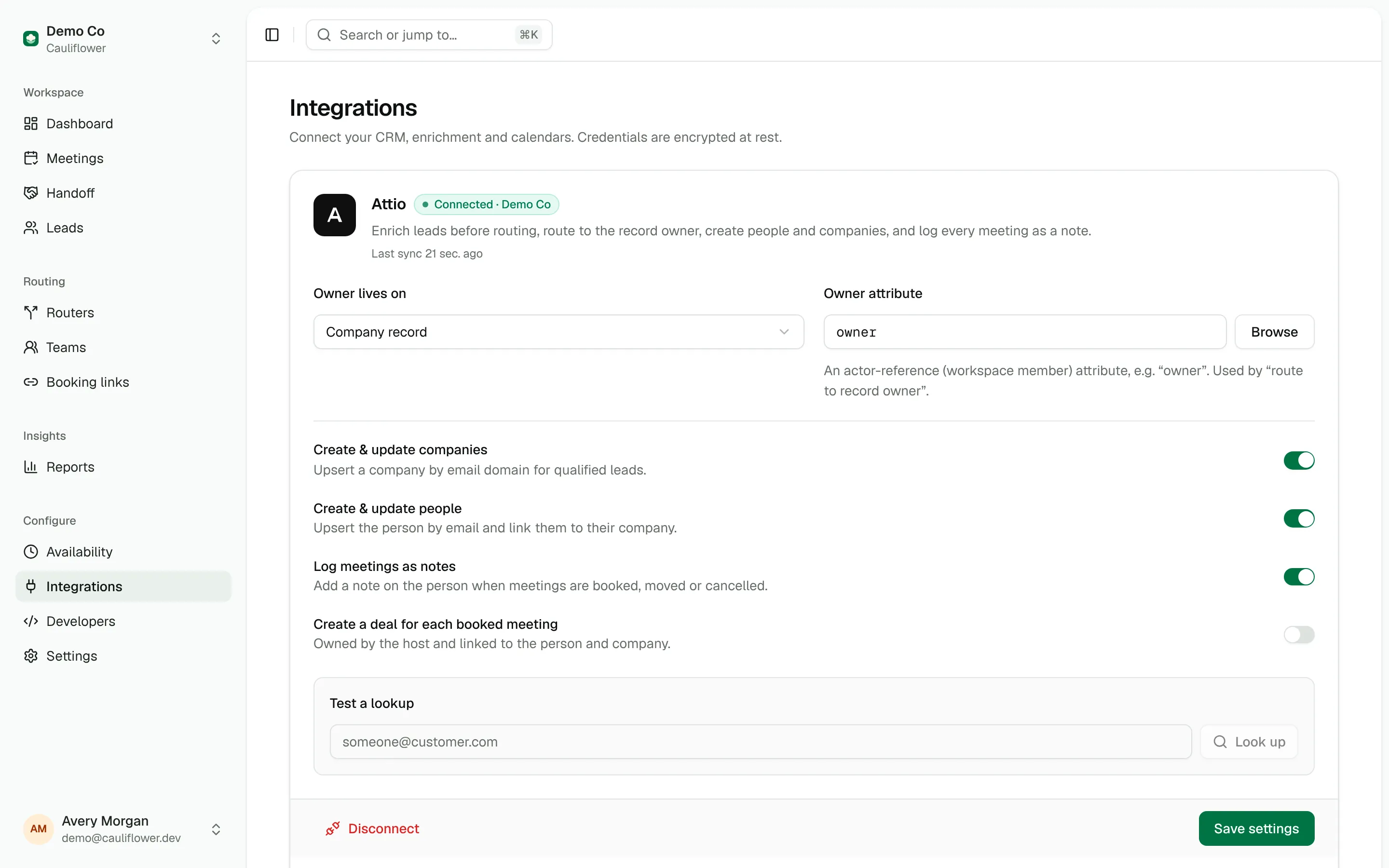
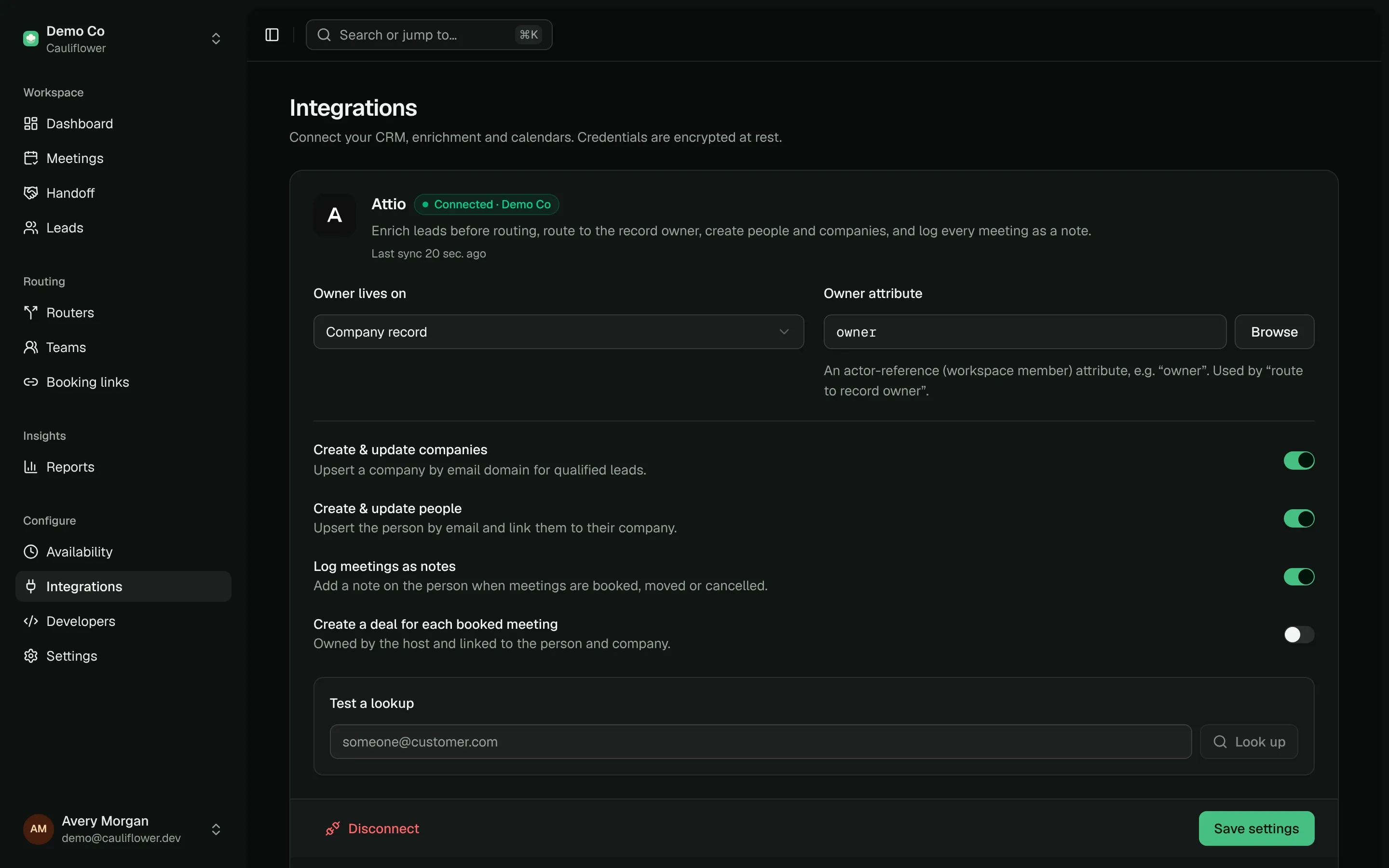
In Cauliflower, go to Integrations and find the Apollo card. Paste the key and click Connect. Only workspace owners and admins can connect, change or disconnect integrations.
Check the connection
Cauliflower validates the key against Apollo's health endpoint before saving it. If Apollo rejects the key you'll see "Apollo rejected that API key" and nothing is stored. Once connected, the card shows a Connected badge, the number of enrichments performed and when the last one ran.
The key is encrypted with AES-256-GCM before it is written to the database (see Security). It is never shown again after you save it; to replace it, disconnect and connect again with the new key.
Test a lookup
Once Apollo is connected, admins see a Test the enrichment waterfall field on the card. Enter any work email and click Enrich. Cauliflower checks Attio first (if it is connected), then Apollo, and shows the normalized result exactly as a router would see it.
The test doesn't save anything to a lead, but it does call Apollo, so it uses a credit each time. It is the quickest way to check that your key has the right permissions and to see which fields Apollo returns for your typical leads.
When Apollo runs
Apollo runs during the lead matching step of a router, before any path is evaluated. Open a router, click the Lead matching node and pick one of three modes under Enrich with Apollo:
| Mode | Label in the builder | Behavior |
|---|---|---|
off | Off | Never call Apollo for this router. |
fallback | When not in CRM | Call Apollo only when the CRM lookup found neither a person nor a company record. This is the default for new routers. |
always | Always | Enrich every lead. When both sources have a value, the CRM value wins and Apollo fills the gaps. |
In fallback mode, "not in CRM" also covers routers with CRM matching switched off and workspaces without Attio — in those cases every lead goes to Apollo. If Apollo isn't connected, all three modes behave like off.
The same mode is available through the API as flow.matching.apollo on create_router and update_router.
Other places that call Apollo
- Lead page. Enrich now (or Refresh) on a lead runs the CRM lookup and, when Apollo is connected, an Apollo lookup. Refresh skips the cache.
- REST API and MCP.
POST /api/v1/leads/:lead/enrich(theenrich_leadtool) does the same; pass"force": trueto bypass the cache. - Dry runs and Handoff. The router preview,
dry_runrequests and Handoff's evaluation step all run lead matching, so they can call Apollo for leads without fresh cached data. Dry runs don't store the result, so testing the same new email repeatedly calls Apollo each time.
Timeouts and failures
During routing each Apollo request has a 4 second timeout (8 seconds for manual enrichment and the test). Enrichment never blocks a lead: if Apollo is slow, out of credits or returns an error, the lead is routed with whatever data is already available, and the error is shown on the Apollo card. If Apollo answers with 401 or 403, the card switches to an Error badge until a later request succeeds or you reconnect with a new key.
Write rules that tolerate missing data
Apollo doesn't know everyone. Add a path that handles enrichment.found is false, or use the catch-all, so leads without data still go somewhere sensible.
Fields you can route on
Apollo data is normalized into the same shape as CRM data, so a rule like enrichment.employees is greater than 500 works no matter which source provided the value.
| Field | Source in Apollo | Example |
|---|---|---|
enrichment.found | true when any source returned data | true |
enrichment.source | Which source won: attio or apollo | apollo |
enrichment.title | Person title | VP of Sales |
enrichment.seniority | Person seniority | vp |
enrichment.department | First department, master_ prefix and underscores removed | sales |
enrichment.country | Person country | United States |
enrichment.state | Person state | California |
enrichment.city | Person city | San Francisco |
enrichment.linkedin_url | Person LinkedIn URL | https://linkedin.com/in/... |
enrichment.company_name | Organization name | Acme |
enrichment.company_domain | Primary domain, or the website URL without protocol | acme.com |
enrichment.industry | Organization industry | computer software |
enrichment.employees | Estimated number of employees | 850 |
enrichment.revenue | Annual revenue | 120000000 |
enrichment.company_country | Organization country | United States |
enrichment.founded_year | Founded year | 2012 |
enrichment.technologies | Technology names, up to 50 | ["Salesforce", "Segment"] |
Cauliflower first calls Apollo's people match with the lead's email (plus name and company when the form provided them). If the person has no organization attached, or the organization has no headcount, it calls organization enrichment with the email's domain. When the lead didn't enter a company name, enrichment.company_name is copied to the lead's company.
See Lead enrichment for how CRM and Apollo data are merged, and Paths and conditions for the operators you can use on these fields.
Caching and credits
Every lookup is cached on the lead. When the same email routes again, Cauliflower reuses the stored Apollo result instead of calling Apollo, as long as it is younger than the Reuse enrichment for window on the Apollo card. Choose 7, 30 (the default), 90, 180 or 365 days.
Apollo's result is cached separately from the CRM data, so in always mode the cache is reused even when the lead also has an Attio record. Apollo is only called again once the cached result expires, or when you force a refresh with Refresh on the lead page or "force": true on enrich_lead. Dry runs are the exception described above: they call Apollo for leads without fresh cached data and don't save what comes back.
A few practical rules for keeping credit usage predictable:
- Use
fallbackmode on high-volume routers if Attio already covers most of your existing accounts. - Lead matching runs before any path, so a path that disqualifies personal emails doesn't save the lookup. For
gmail.com-style addresses Apollo is still asked to match the person, but organization enrichment is skipped because there is no company domain. - Watch the enrichment counter on the Apollo card. It counts every successful request to Apollo, including lookups that found nothing.
Privacy
Cauliflower sends Apollo only what it needs to match: the lead's email, first and last name, company name and, for work emails, the email domain. Requests are made with reveal_personal_emails and reveal_phone_number set to false, so Apollo never returns personal emails or phone numbers.
What is stored on the lead:
- the normalized fields listed above, and
- a small subset of the raw response: the person's Apollo id, title, seniority, departments, LinkedIn URL and location, and the organization's id, name, domain, industry, headcount, revenue, country, founded year and LinkedIn URL.
Disconnecting Apollo deletes the stored key immediately. Enrichment data already saved on leads is kept, and routers simply stop calling Apollo. Make sure your use of Apollo data is covered by your privacy policy and your agreement with Apollo.