Getting started
Core concepts
Workspaces, leads, routers, teams, meeting types and meetings.
Cauliflower is built from a small set of objects. A workspace holds everything. Leads arrive through routers, which decide what happens to them. Routers book leads onto calendars using meeting types (booking links) and share the work across teams. Every booking becomes a meeting, and every routing decision is recorded as a routing event.
This page explains each object, how they relate and where you find them in the app. Once these are familiar, the rest of the docs will read naturally.
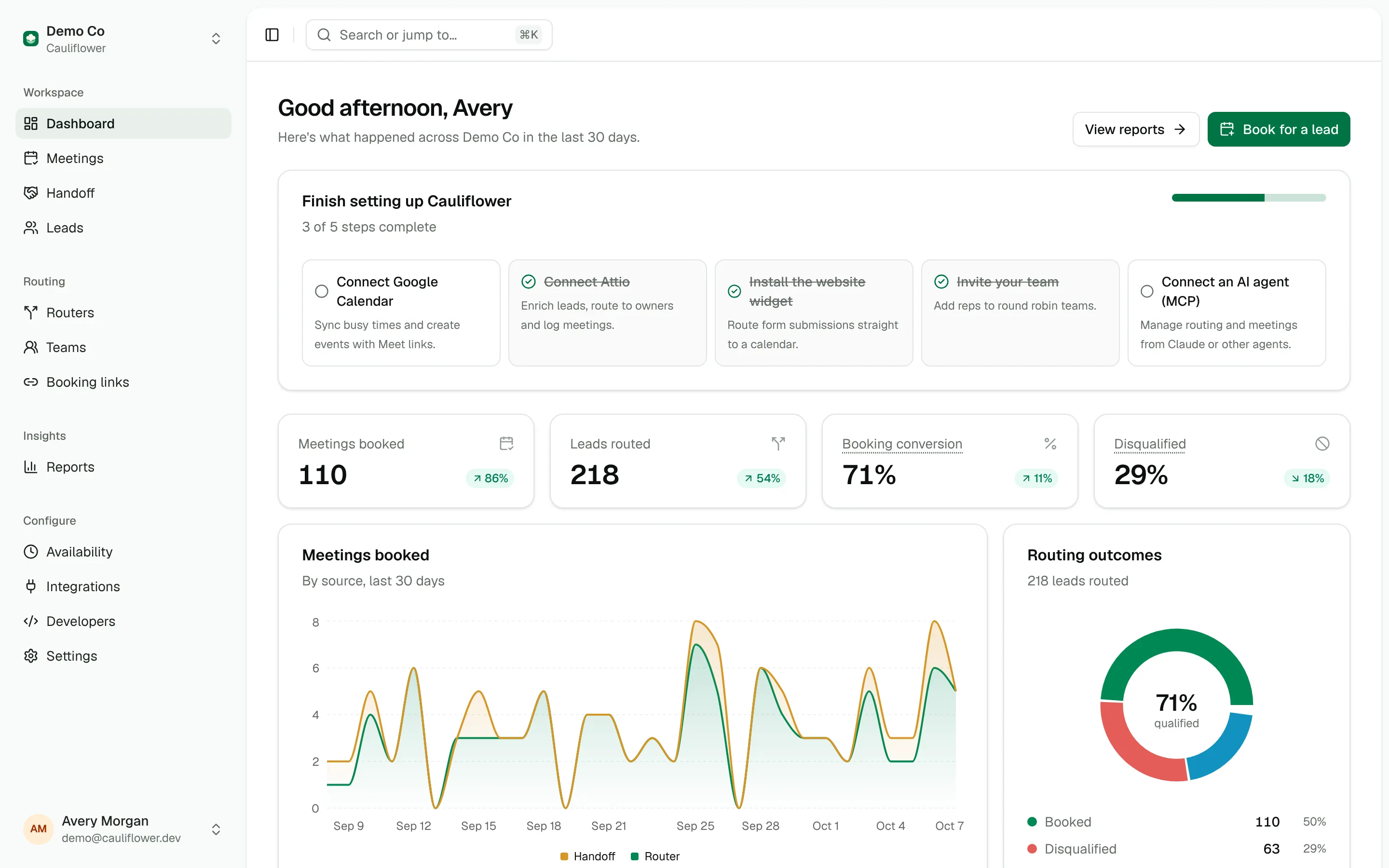
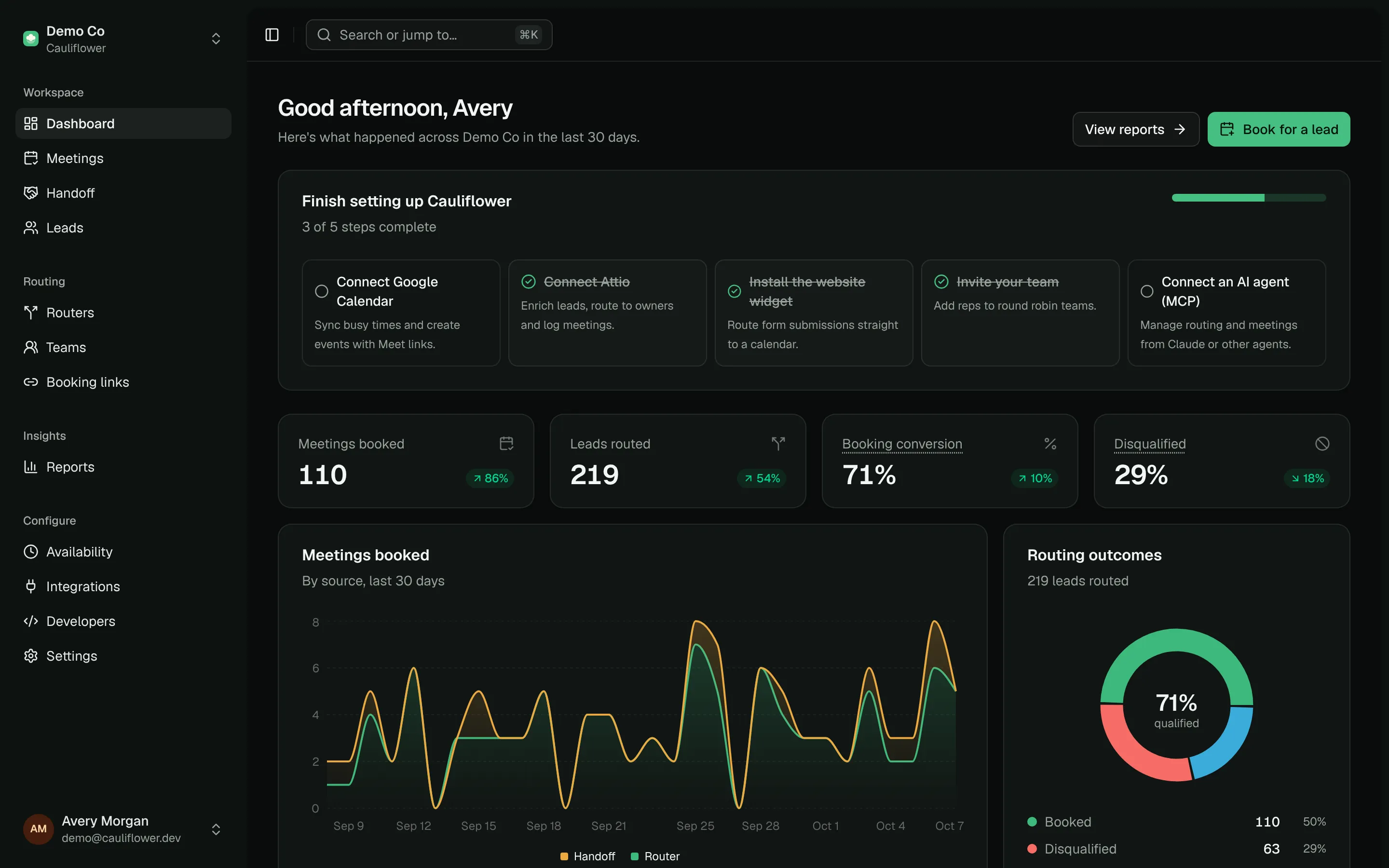
Workspaces
A workspace is your company's space in Cauliflower. Members, teams, booking links, routers, leads, meetings, integrations, API keys and webhooks all belong to exactly one workspace, and nothing is shared between workspaces.
Each workspace has a slug that appears in public URLs, for example /book/acme/demo for a booking link or the workspace option of the website widget. Under Settings you manage members, branding, widget security and the extra domains you want treated as personal email addresses.
Roles
Every member has one of three roles.
| Role | What they can do |
|---|---|
| Owner | Everything an admin can do, plus invite owners, change other owners and decide who gets the plan's seats. A workspace always keeps at least one active owner. |
| Admin | Create and edit routers, teams and booking links, connect integrations, manage API keys and webhooks, change workspace settings, see reports and every meeting and lead, edit any meeting and any teammate's availability. |
| Member | Work in their own space: a dashboard of their upcoming meetings and leads, the meetings they host, co-host or booked, the leads they own or meet with, their availability and calendar connections, their booking links, and Handoff. |
Members don't see routers, teams, reports, integrations, developer settings or workspace settings, and their CSV exports, API keys, MCP connections and AI assistant only reach their own meetings and leads. On a lead's page they see teammates' meetings with that lead, but can't open them.
The person who creates a workspace becomes its owner. Invite everyone else from Settings → Members; an invitation expires after 14 days.
Seats
A workspace's plan includes a number of seats. Everyone with a seat can sign in and use the workspace, and only people with a seat can be booked. New members get a seat while one is free; owners can give and take back seats from Settings → Members. See Plans and seats.
Leads
A lead is a person, identified by their email address. There is one lead per email per workspace: when the same person submits a form twice, Cauliflower updates the existing lead and merges the new answers into it.
A lead keeps:
- Contact details: name, company, phone and email domain
- Submitted data: every form field and UTM parameter it has sent
- An owner: the rep responsible for the lead in Cauliflower
- Enrichment: normalized person and company data from your CRM or Apollo (see Lead enrichment)
- History: its routing decisions and meetings
Leads move through five statuses: New, Routed, Assigned, Booked and Disqualified. You can open any lead from Leads to see its data, enrich it, change its owner or book a meeting for it.
Lead owners
A lead gets an owner when an Assign to step picks one, or when it books its first meeting and doesn't have an owner yet (the host becomes the owner). You can also change the owner by hand on the lead page.
The owner matters for routing. Routers expose it as the lead.owner_email field, and ownership rules can send returning leads straight back to the same rep.
Routers
A router decides what happens to a lead. It is a flow with four parts:
- Trigger: which entry points it accepts, such as your website form, the hosted router page, the API or Handoff.
- Lead matching: an optional lookup in your CRM and Apollo before any decision is made.
- Paths: ordered rules, each with steps such as display a calendar, assign an owner, notify, update the CRM, redirect or disqualify. The first path that matches wins.
- Catch-all: the steps for leads that match no path.
A router has a slug, which the widget, the router link and the API use to address it, and it is either Live or Paused. Read Routers to build one.
Teams
A team is a group of reps who share meetings. Each team has:
- A distribution: Weighted round robin, Load balanced or Priority tiers
- A round robin mode: Flexible (prospects see everyone's combined availability) or Strict (only the next rep in line)
- Members, each with a weight, an optional priority and an active switch
Booking links with round robin or collective hosting use a team, and router steps can target a team directly. See Teams and round robin.
Meeting types
A meeting type, shown as Booking links in the app, defines a kind of meeting: its duration, location (Google Meet, phone, in person, a custom link or the invitee's choice), booking window, buffers, limits, questions, reminders and who hosts it. Hosting is one of:
- One host: always the same person
- Round robin: one rep from a team, chosen by the team's distribution
- Collective: every team member attends, so only times when all of them are free are offered
Every meeting type has a public booking page. Routers use meeting types too: a Display calendar step takes the duration, location, questions and buffers from the meeting type you pick, while the path decides whose availability is shown. See Meeting types.
Meetings
A meeting is a booked event: a host (and co-hosts for collective meetings or Handoff guests), an invitee, a time, a location and the answers to the booking questions. Each meeting is linked to its lead and, when a router booked it, to the routing event that produced it.
| Status | Meaning |
|---|---|
| Confirmed | Booked and upcoming |
| Cancelled | Cancelled by the host or the invitee |
| Completed | Set automatically about two hours after the meeting ends |
| No-show | Marked by hand when the invitee didn't attend |
Hosts, the person who booked a meeting and admins can Edit an upcoming meeting from its page: the title, host, location, invitee details, guests, answers and internal notes. Handing a meeting to another host checks they're free and moves the calendar event to their calendar; the invitee can be emailed about the change. Past meetings can still get notes and answers updated.
Meetings also record their source: Booking link, Router, Handoff, API or AI agent (MCP). Reports and webhooks use the source to tell your channels apart.
Routing events
Every time a router runs for a real lead, Cauliflower stores a routing event. It records where the lead came from, the submitted data, the full routing context (every field the rules could see), the trace of each path that was evaluated, the outcome, the assigned rep and, once booked, the meeting.
| Outcome | Shown as | Meaning |
|---|---|---|
book | Sent to calendar | The lead was shown a calendar. It shows as Booked once they pick a time. |
assigned | Assigned | An owner was set without a meeting. |
disqualified | Disqualified | A Disqualify step stopped the lead. |
redirect | Redirected | The lead was sent to a URL. |
no_match | No match | No path and no catch-all step decided anything. |
error | Error | A step couldn't run, for example because no host was available. |
When the outcome is Sent to calendar, the routing event carries a booking link that stays valid for seven days and can be used once.
Previews from the router builder and API calls with dry_run are not stored. Real routing events appear in the router's Logs tab, on the lead page, in Reports, through the list_routing_events API operation and as lead.routed webhooks.
How it fits together
A visitor from Acme submits your demo form. The widget sends the answers to the Website demo requests router. The router finds Acme in the CRM, sees that the company has no owner yet and that it has 2,400 employees, and the "Enterprise" path matches. Its Display calendar step shows the combined availability of the Enterprise AE team for the Product demo meeting type. The visitor picks a time, the team's distribution picks the rep, and Cauliflower creates the meeting, sets that rep as the lead's owner and records everything on the routing event.