Scheduling
Handoff
Let SDRs and CSMs book meetings for a lead on an AE's calendar.
Handoff lets a teammate book a meeting on a lead's behalf. An SDR finishing a qualification call, a CSM bringing in an account executive or a founder forwarding an intro can put the meeting on the right person's calendar without sending a link and waiting.
Handoff runs the same router your website uses, so the booker sees which path the lead matches, which rep the router would pick and that rep's real availability. Every Handoff booking records who made it, so you can report on it later.
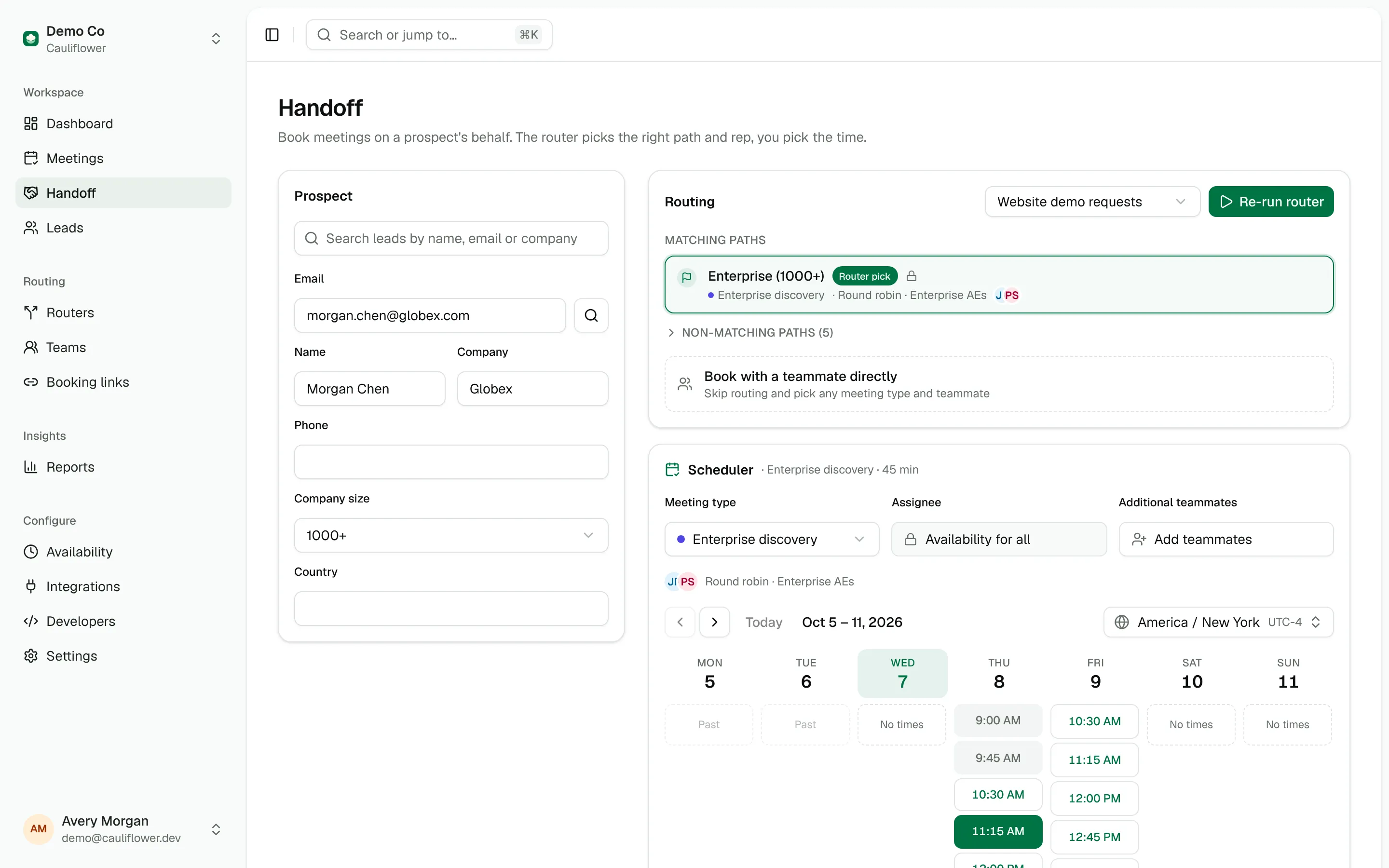
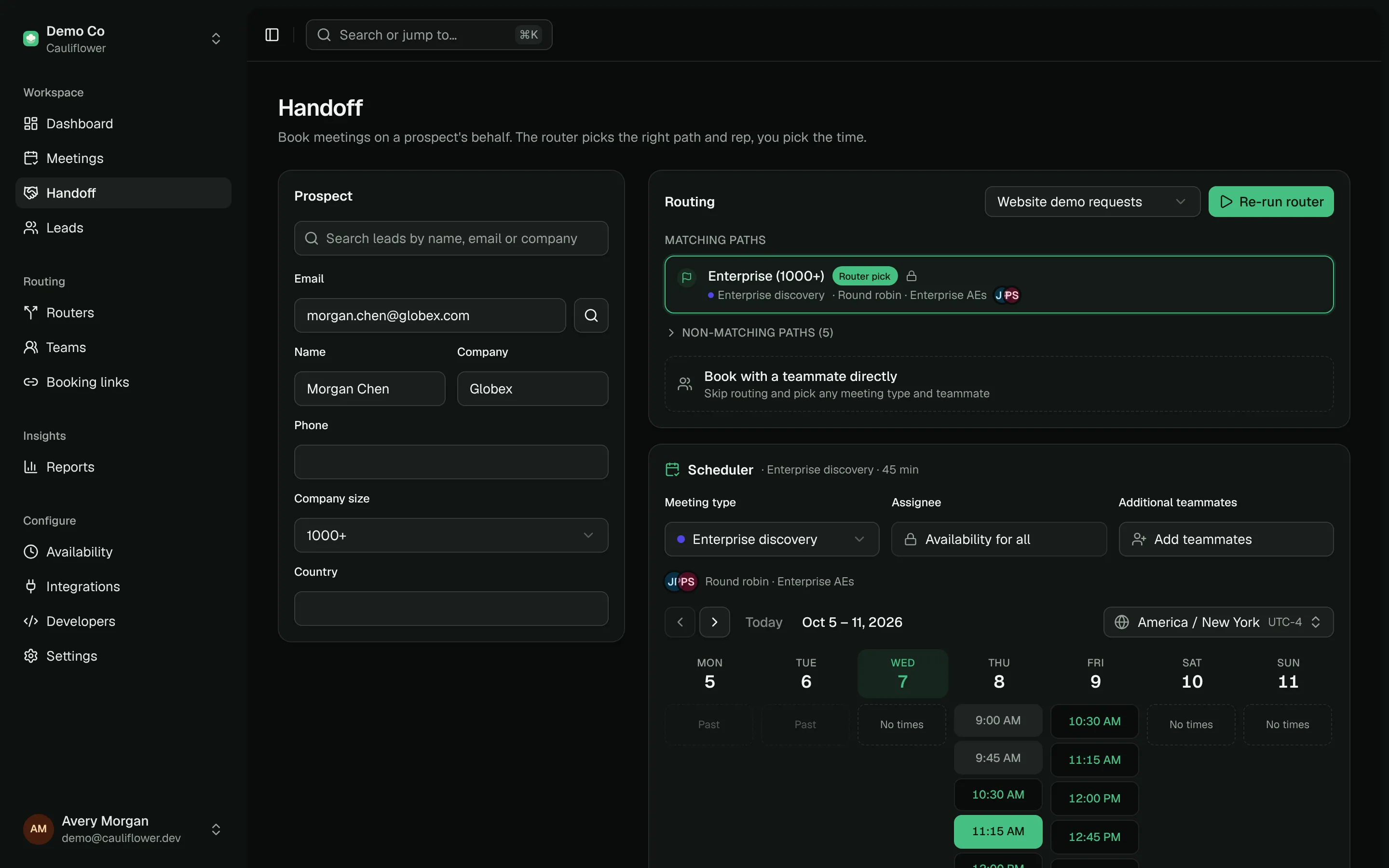
Open Handoff from the sidebar, or click Book a meeting on any lead's page (or Book for them on a lead who dropped off) to open Handoff with the lead filled in.
The screen has three parts: the lead, routing and reps on the left, the calendar in the middle and the meeting details on the right.
1. Find the lead
Under Lead, search by name, email or company (at least two characters) to pick a lead already in Cauliflower. Their email, name, company, phone and stored fields are filled in.
Members (as opposed to owners and admins) only find leads they own or have a meeting with. For anyone else, type the email.
For someone new, type their email and press Enter (or choose New lead). Cauliflower looks them up in your CRM and fills in the name, company and phone it finds. Edit details opens the lead's fields, including any extra form fields defined on the router; the router's conditions use them.
2. Routing
Pick a router under Routing. The list only shows active routers with the Handoff entry point turned on. The router runs on its own as soon as the lead has an email and a name, and again whenever their details change; the refresh button runs it on demand.
Running the router is a dry run: nothing is saved yet. Cauliflower matches the lead against your CRM and Apollo exactly as it would for a website submission, then evaluates every path. The path selector lists Matching paths first, with the router's own pick marked and selected for you, then Other paths. You can choose another path, for example to send an existing customer to their CSM instead of a new-business AE. Paths that disqualify or only assign an owner say so and don't show a calendar.
What Cauliflower knows about the lead (title, company, employees and owner) appears under the lead card.
Choose Book directly, skip routing to pick any meeting type and teammate yourself.
3. Choose the assignee
The Assignee list shows the path's reps in the order the team assigns them, with Next in line on the first. Whether you can pick someone depends on the path:
| Path | Assignee |
|---|---|
| Strict round robin | Locked: the next rep in line gets the meeting. |
| Collective meeting type | Locked: every host attends. |
| Round robin team | Locked to everyone: the fairest rep free at the chosen time gets the meeting. |
| Record owner or a specific person | Locked to that person. |
| Any of the above with Allow scheduling with another team member | Pick a rep, or turn on Show availability for all. |
A locked list says why. Allow scheduling with another team member is an option on a router's Display calendar step: on a team path bookers can pick any member of the team; on an owner or single-person path, any member of the fallback team, or anyone in the workspace when there's no fallback team. See Path steps.
When booking directly, pick Booking link hosts or any teammate.
4. Pick a time
The calendar shows the week's free time shaded. Hover a time to see the meeting's length, and click to choose it. When one rep is shown, their existing meetings and calendar events appear behind as Busy blocks (times only, never titles). Past time is dimmed and today's current time is marked.
- Change the week with the arrows or Today. Weekends appear when there's something to book on them.
- Your time zone is shown first; change it from the toolbar. Lead's time zone adds a second column of times, and the booking and copied times use it.
- For a round robin team, darker shading means every rep is free and lighter shading means only some are.
Handoff uses internal booking rules: a lead can be booked as little as 5 minutes from now and at least 120 days ahead, even when the meeting type's own notice and booking window are stricter. Buffers, working hours and daily and weekly limits still apply. Required guest form questions and prospect booking limits are not enforced.
5. Guests, details and booking
On the right:
- Assignee shows who the meeting will be with: the chosen rep, every host, or "Fairest of N free reps".
- Add guest invites teammates (search by name) or anyone by email (type it and press Enter). The lead is the Primary guest. A teammate starts as Optional; click it to make them Required, and the calendar only shows times when they're free too. Required teammates join as co-hosts.
- Meeting type can be changed; Duration and Location come from it.
- Title replaces the meeting type's title for this meeting.
- Notes for the host: context from your call, such as goals, stakeholders and timeline. Notes appear on the meeting page under "Handoff notes", in the host's notification email, in the
{{notes}}tag of the invite template and in the CRM meeting note.
Click Book meeting. The meeting is created on the host's calendar and invitations go out to the lead, guests and host. You get links to View meeting, the meeting link and Book another. If someone took the time in the meantime, you'll see an error and can pick another.
Let the lead choose
Instead of booking, you can send the lead options:
- Copy times copies up to five open times from the week (no more than two a day), in the lead's time zone when you've added it, with a scheduling link at the end. Paste it into your email.
- Copy link copies a scheduling link for this lead. With a router path it's a routed link (
/r/…) that books with that path's reps and is valid for seven days; when booking directly, it's the booking link with the lead's name and email filled in.
What gets recorded
A Handoff booking is a normal meeting with a few extras:
- Source is
handoff, and Booked by is the teammate who made it. Both show on the meeting page and in the host's email, andbooked_byis included in webhook payloads. - When the booking came from a router path, Cauliflower saves a routing event for that path, so it appears in the router's activity and routing reports.
- When round robin picks the rep, the booking counts toward the team's rotation like any other.
- If the lead had no owner yet, the host becomes the owner.
Reports → Handoffs lists Handoffs by teammate: meetings booked, how many were held, no-shows and how many different reps each person booked for.
A router just for Handoff
Routers can be limited to certain entry points. A router with only Handoff enabled is a good place for internal rules, such as sending expansion deals to the account owner and new logos to an AE pool, without exposing them to website traffic.